v1.13.1
Submit support tickets via chat
You can now open a support ticket directly through our chatbot. Start a chat, describe your issue, and the bot will guide you through submitting it to the right team.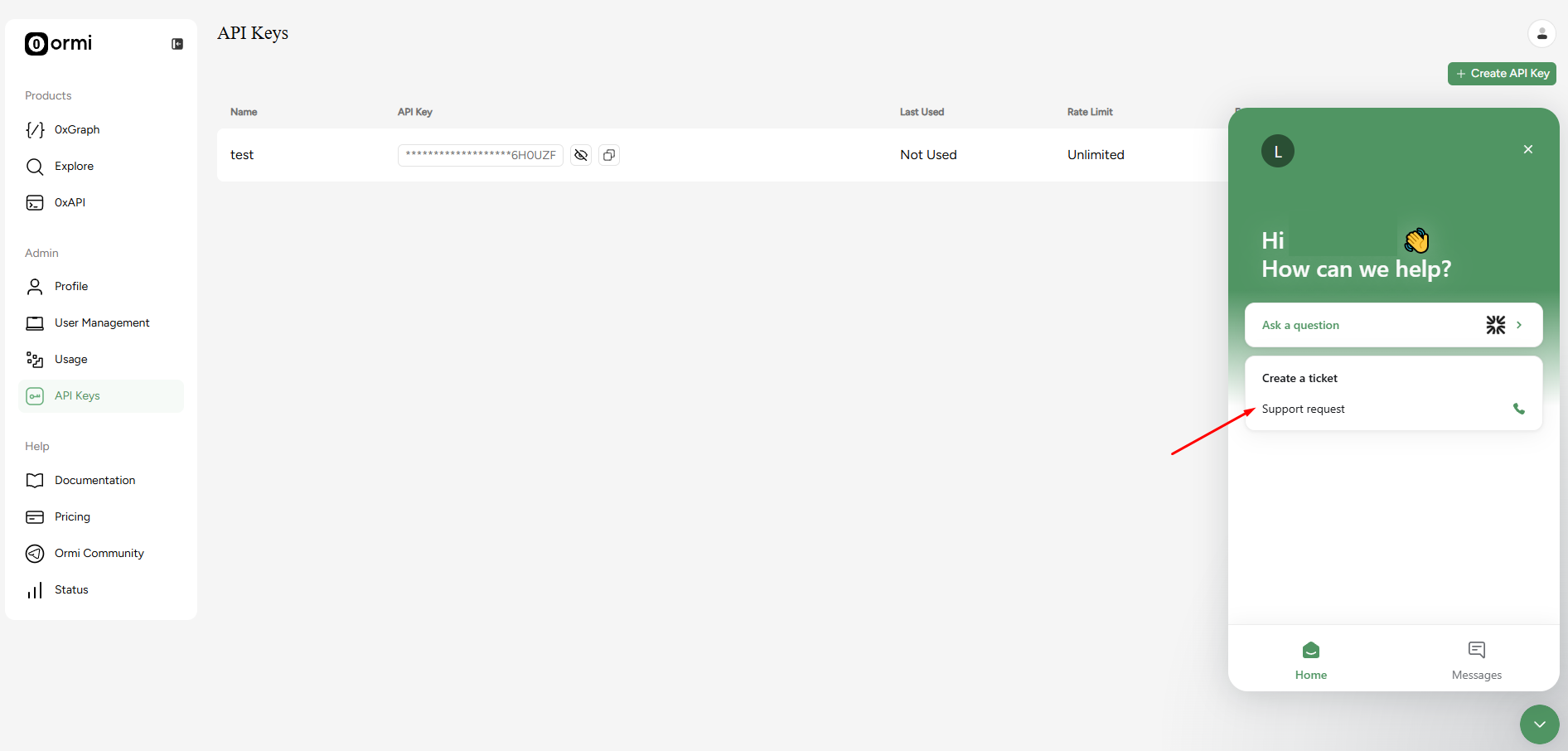
Rate limiting API keys
Users can configure rate limits on individual API keys, giving control over how much throughput is allocated per key.This is useful when sharing an API key with external users or third parties. Since all API keys draw from a subgraph’s shared throughput pool, rate-limiting a key prevents any single key from consuming more than its intended share.For example, if your account has 100 RPS and you cap one key at 50 RPS, the remaining capacity is preserved for your other keys.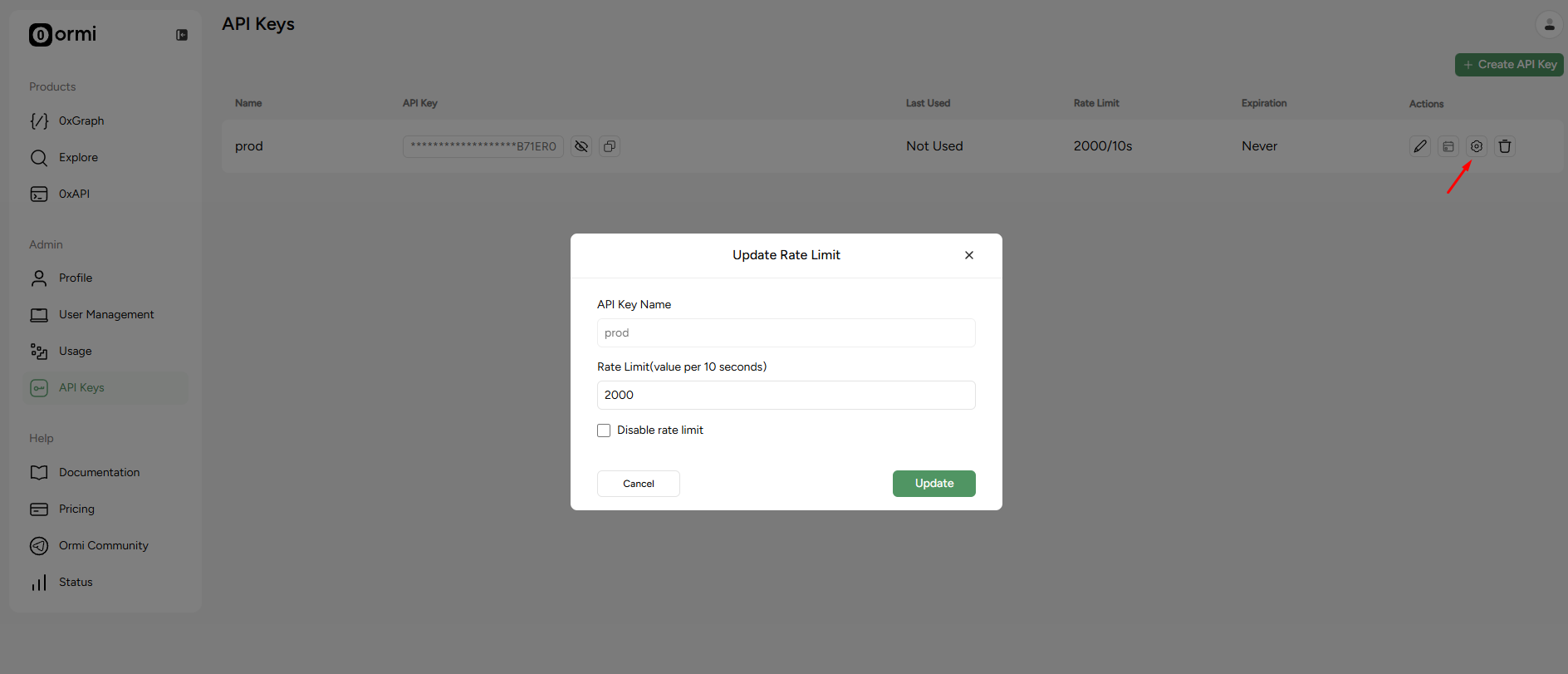
Manage API key expiration
API keys can now be set to expire automatically on a date you choose, removing the need to manually revoke temporary keys.This is ideal for granting time-limited access to collaborators, contractors, or integrations. Once the expiration date is reached, the key is invalidated automatically.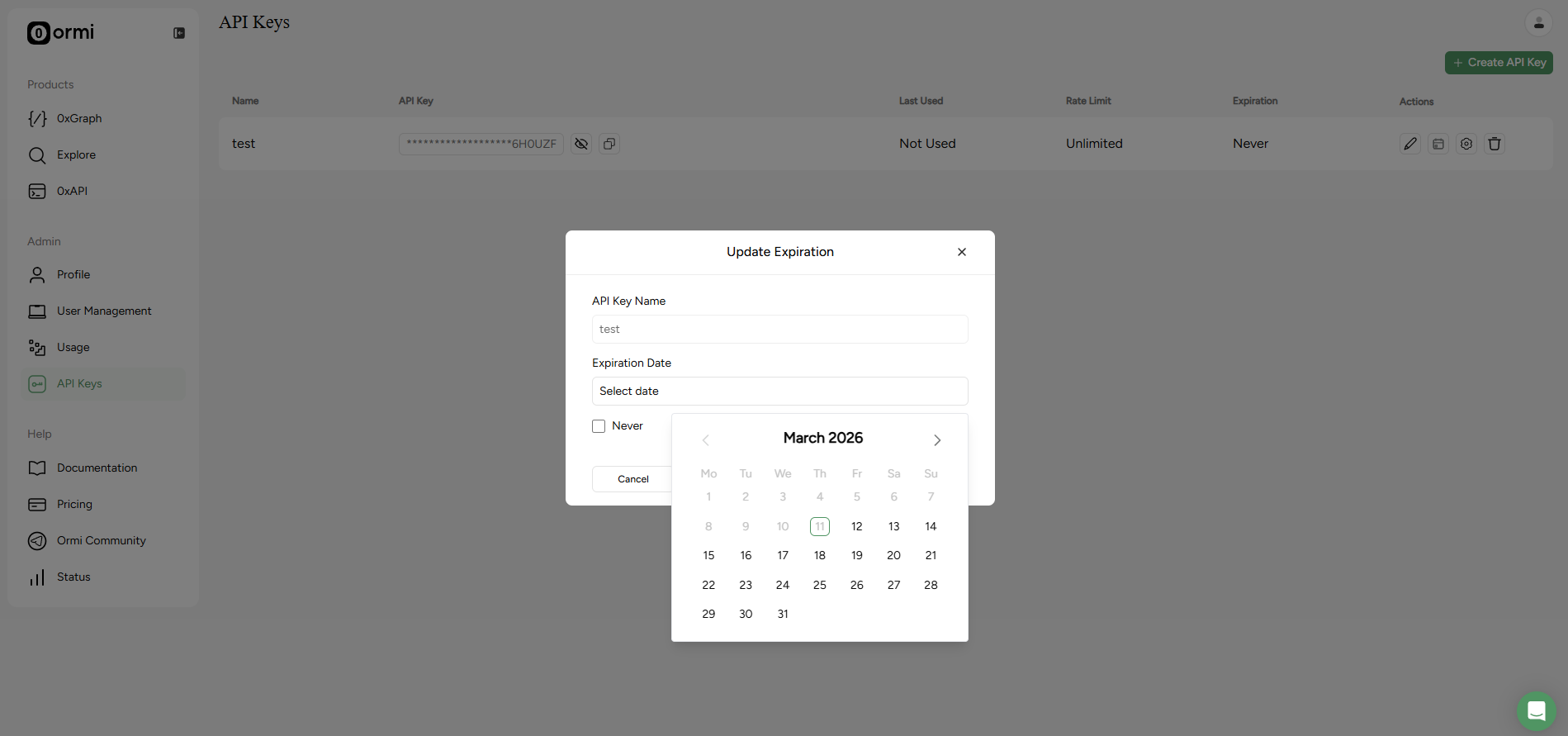
v1.12.0

v1.9.0
v1.8.0
v1.7.0
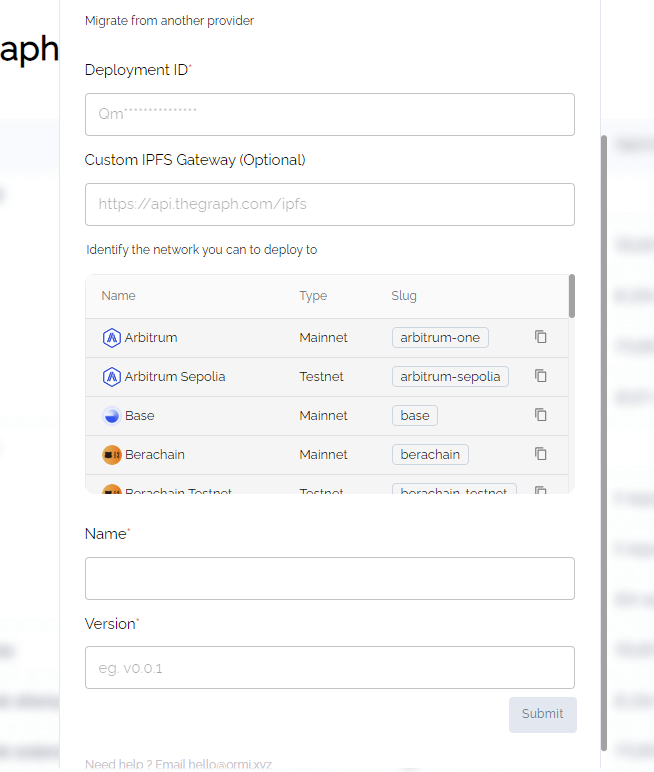
No-code Subgraph migration
You can migrate subgraphs from other platforms directly through the Ormi frontend by providing the deployment ID, as long as the required IPFS files are available on the IPFS network.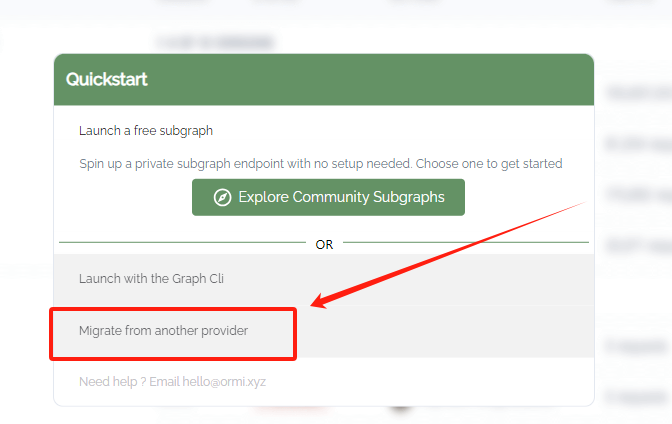
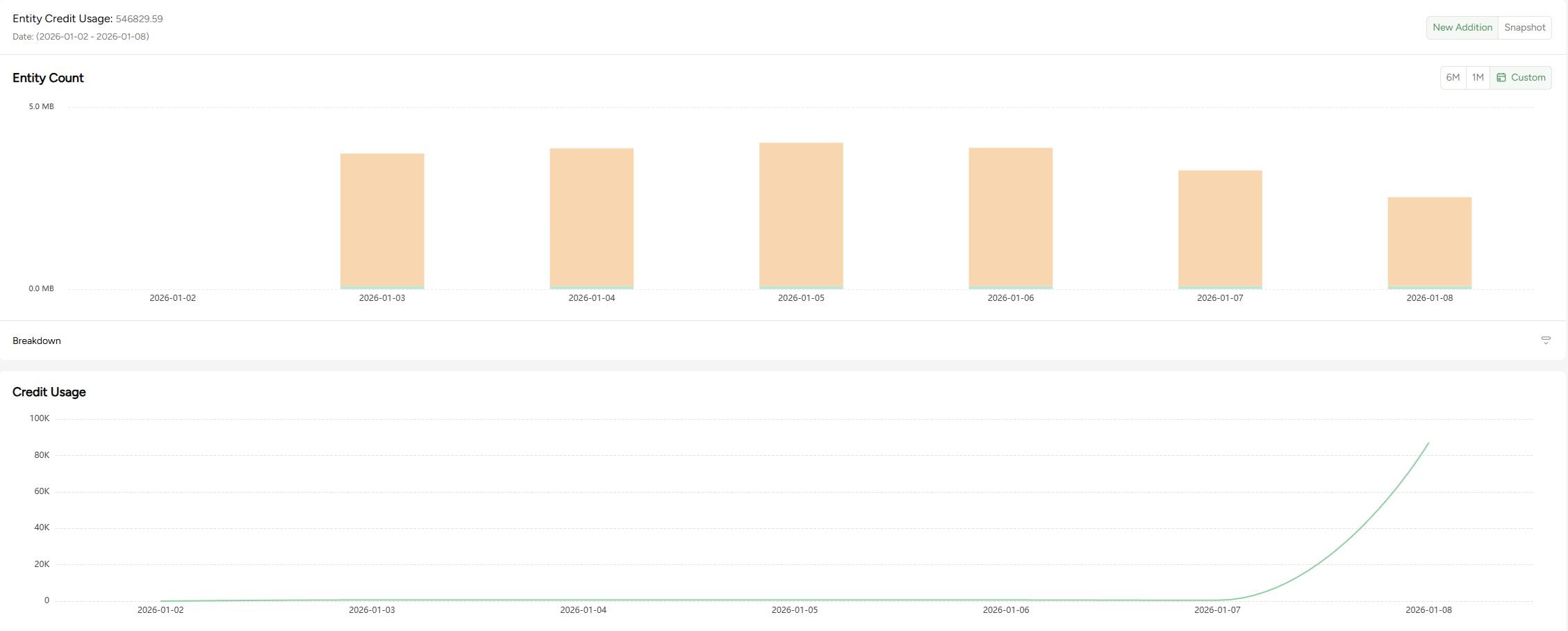
Data size analytics
Added a GraphQL query data size chart.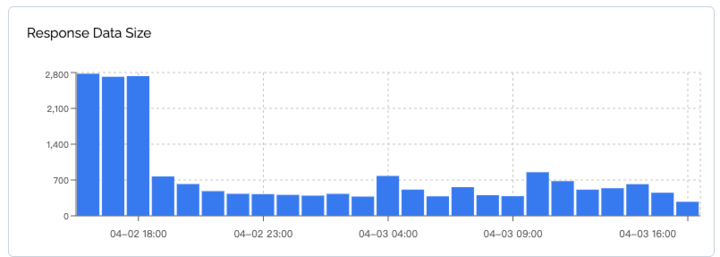
Budget
Added user budget settings and usage alerts.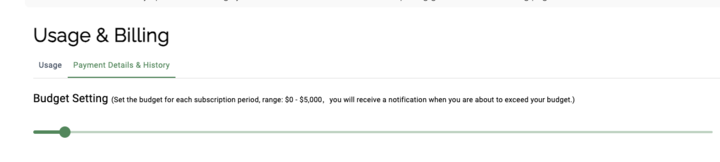
Credit usage
Free users can now view their credit usage.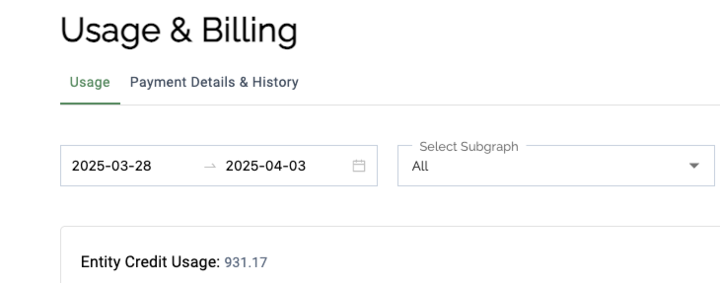
v1.6.0
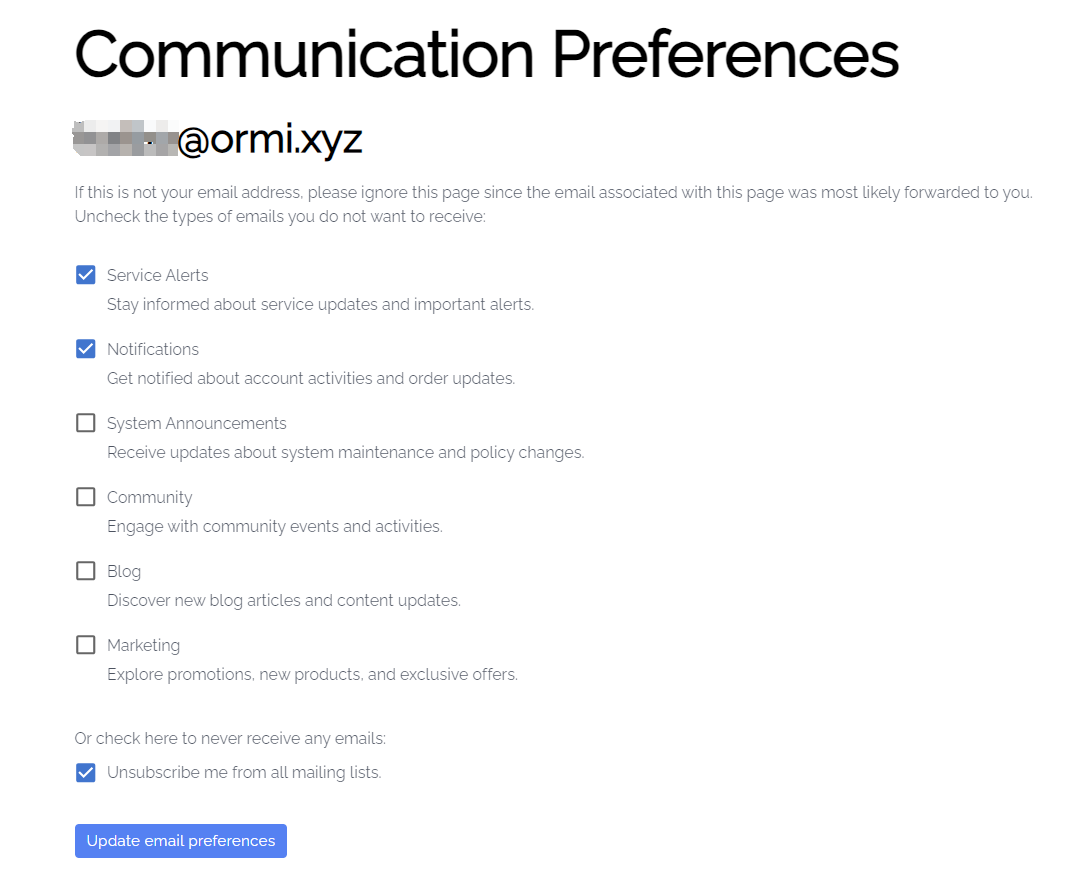
Email preferences
Users can manage notification settings via email links and choose which messages to receive.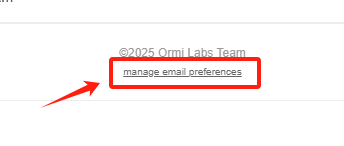
Subgraph status notifications
Users receive email notifications when there are significant changes to deployed subgraphs.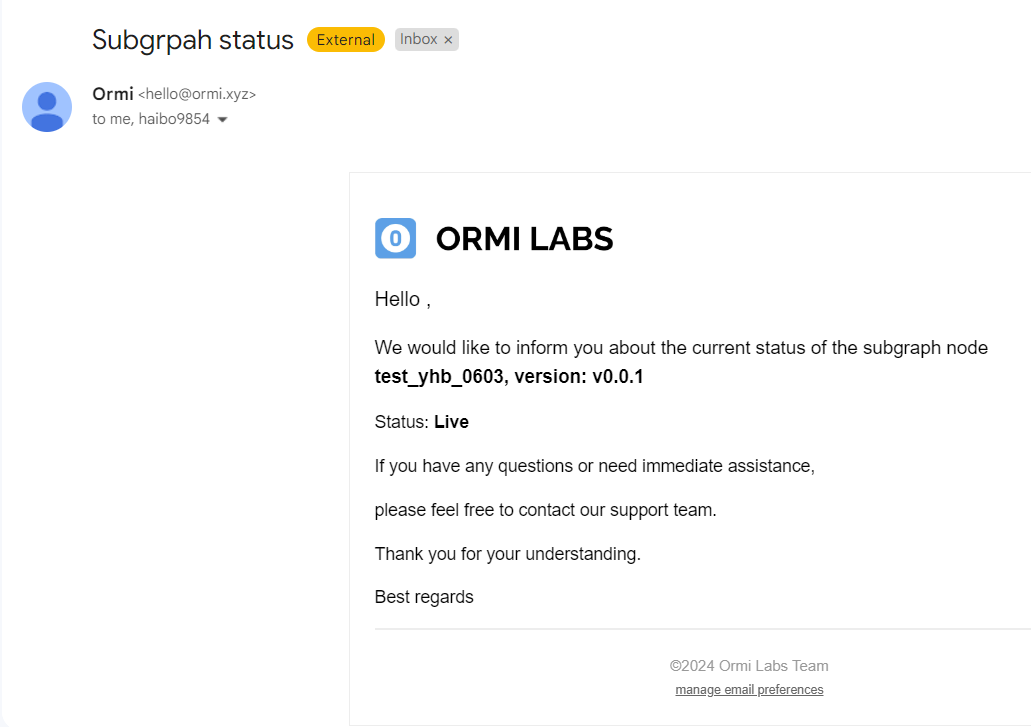
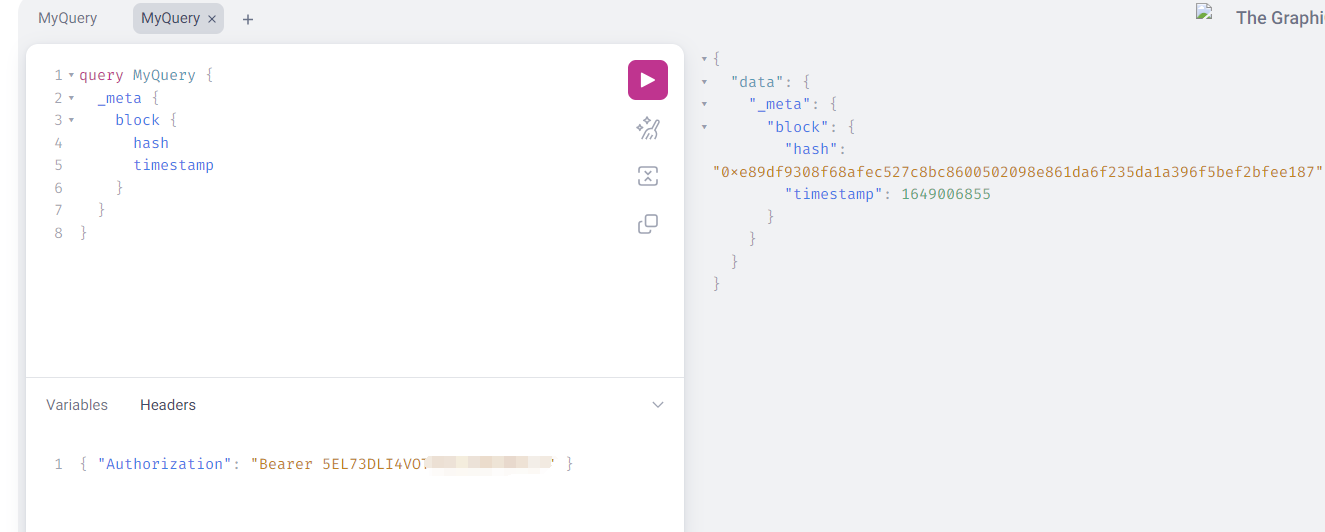
Private GraphQL
Added private GraphQL support using API keys in request headers.
Usage statistics
Improved usage statistics for clearer insights into consumption.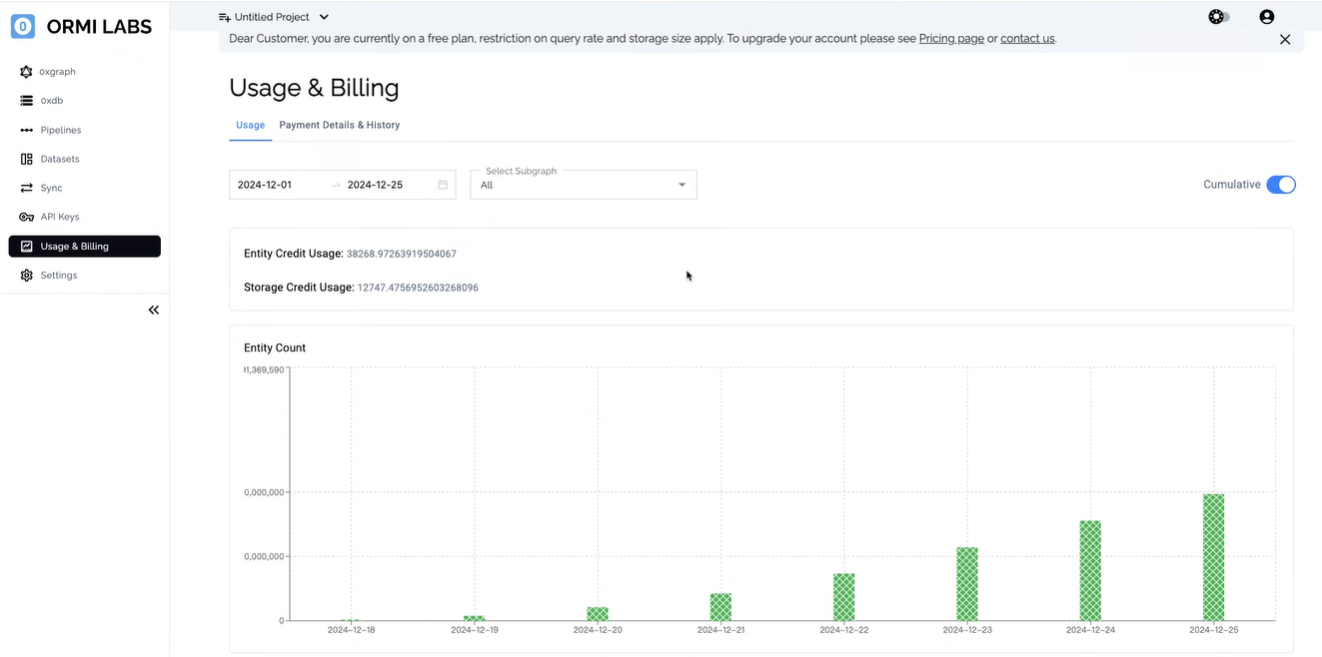
Pipeline feature
Import subgraph data directly into a configured database via pipelines.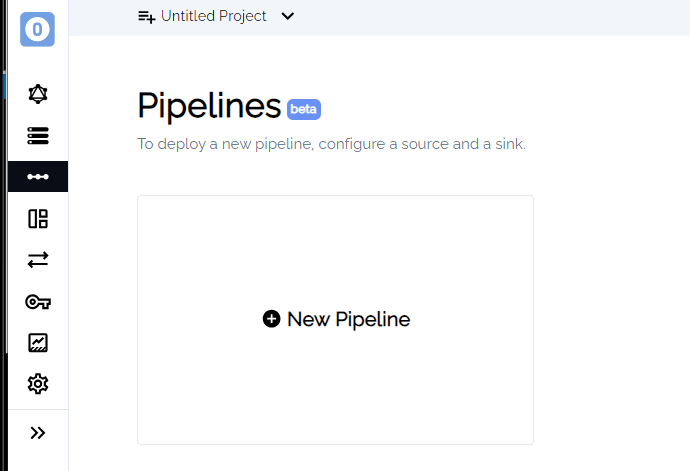
v1.4.0
Email notifications
New users receive welcome emails; email notifications support new signups and team invites.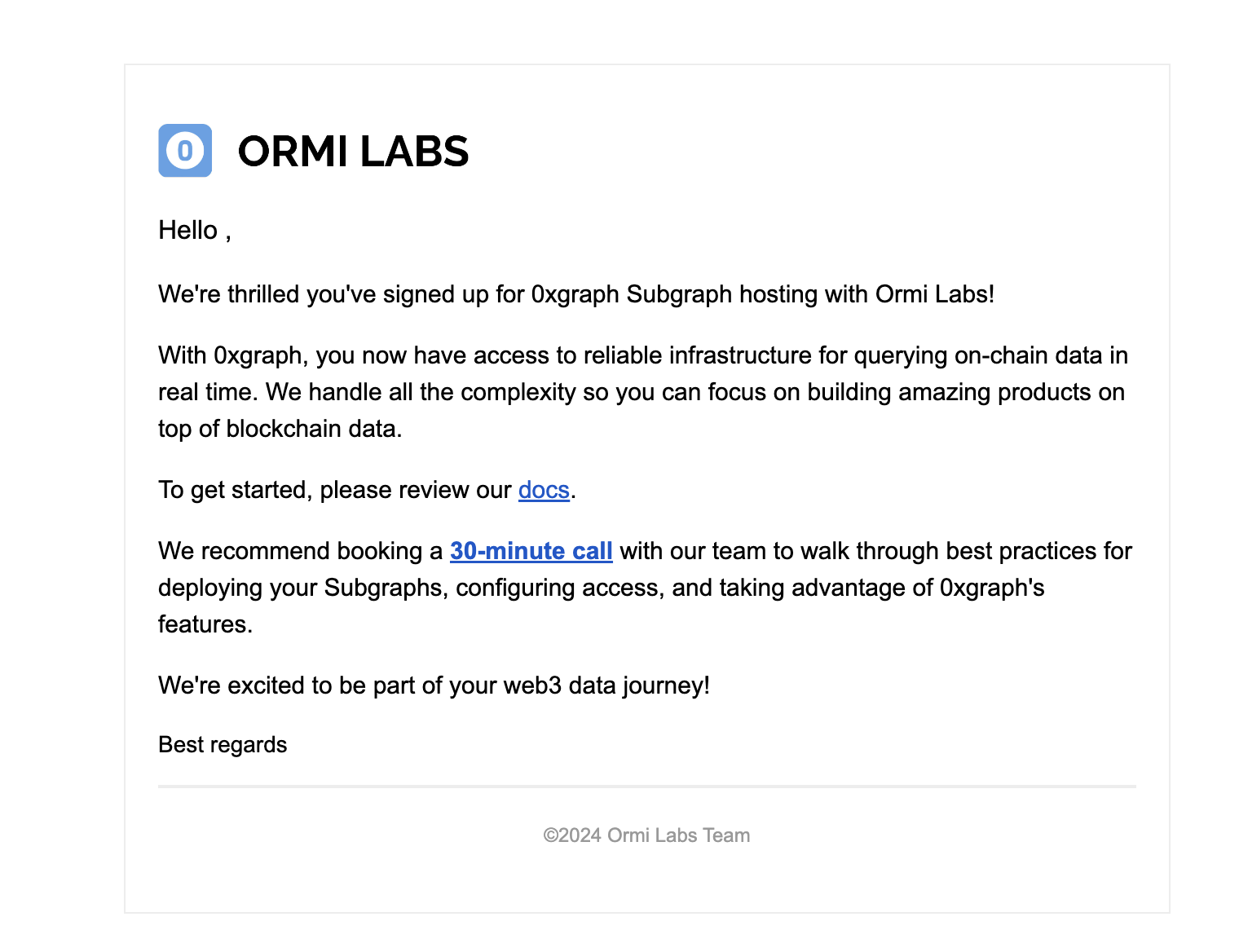
Team collaboration
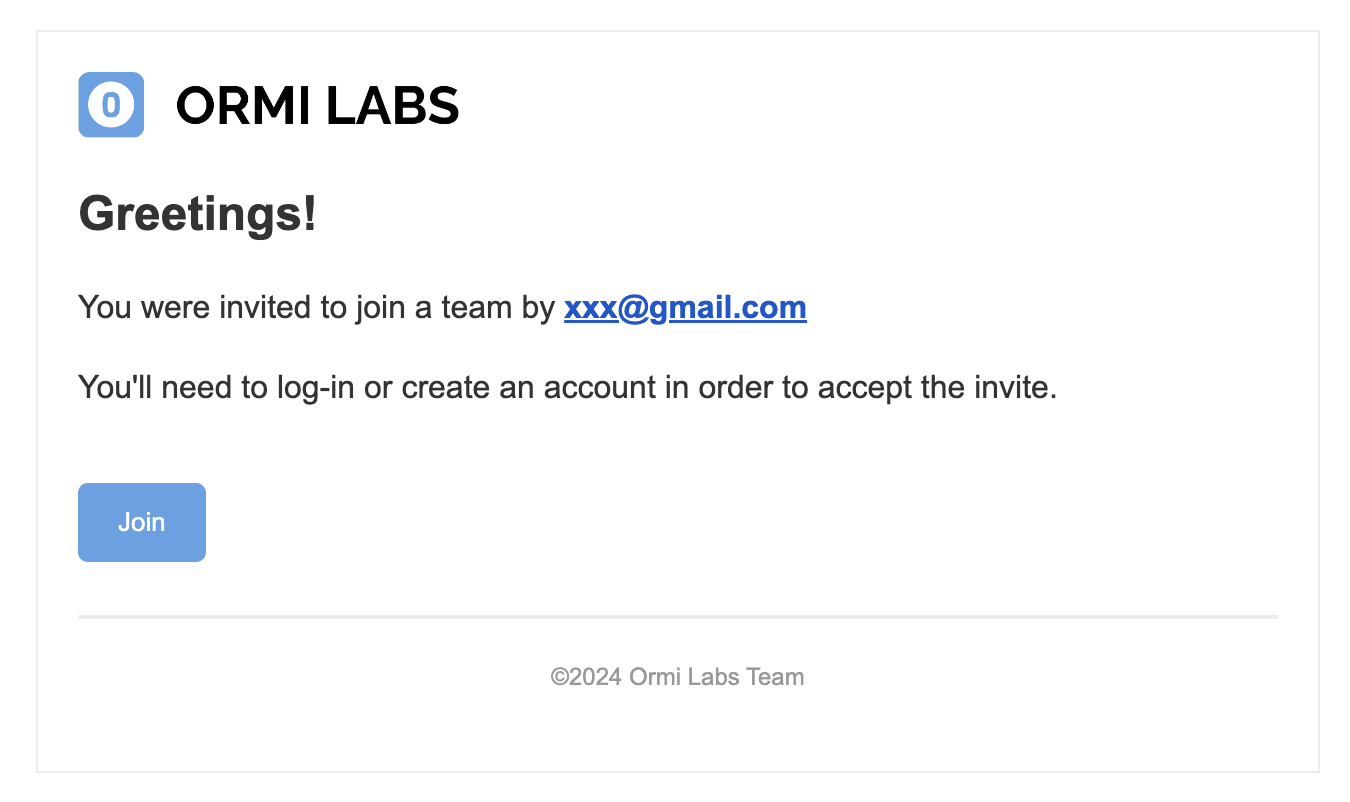
Invite teammates directly from settings with email invitations.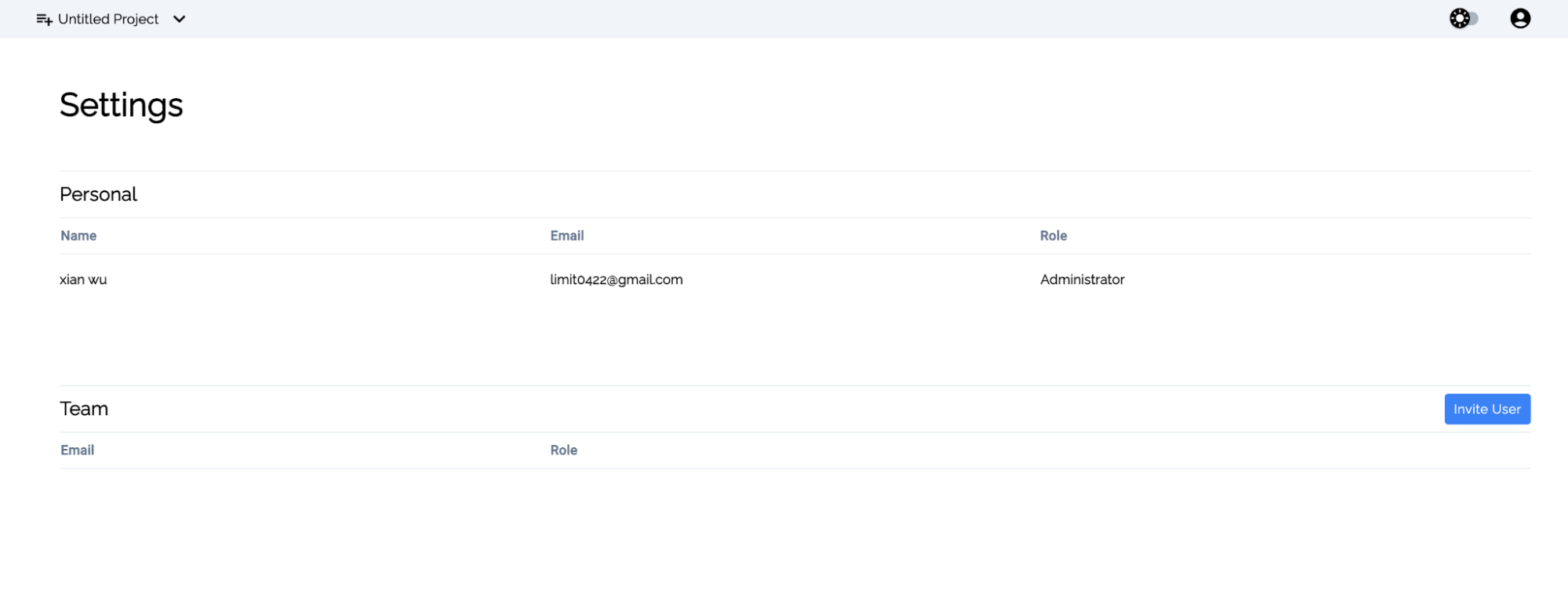
Subgraph tagging
Create tags as aliases for subgraphs to stabilize GraphQL queries across versions.

Pause and resume subgraphs
Pause or resume private subgraphs to control data ingestion.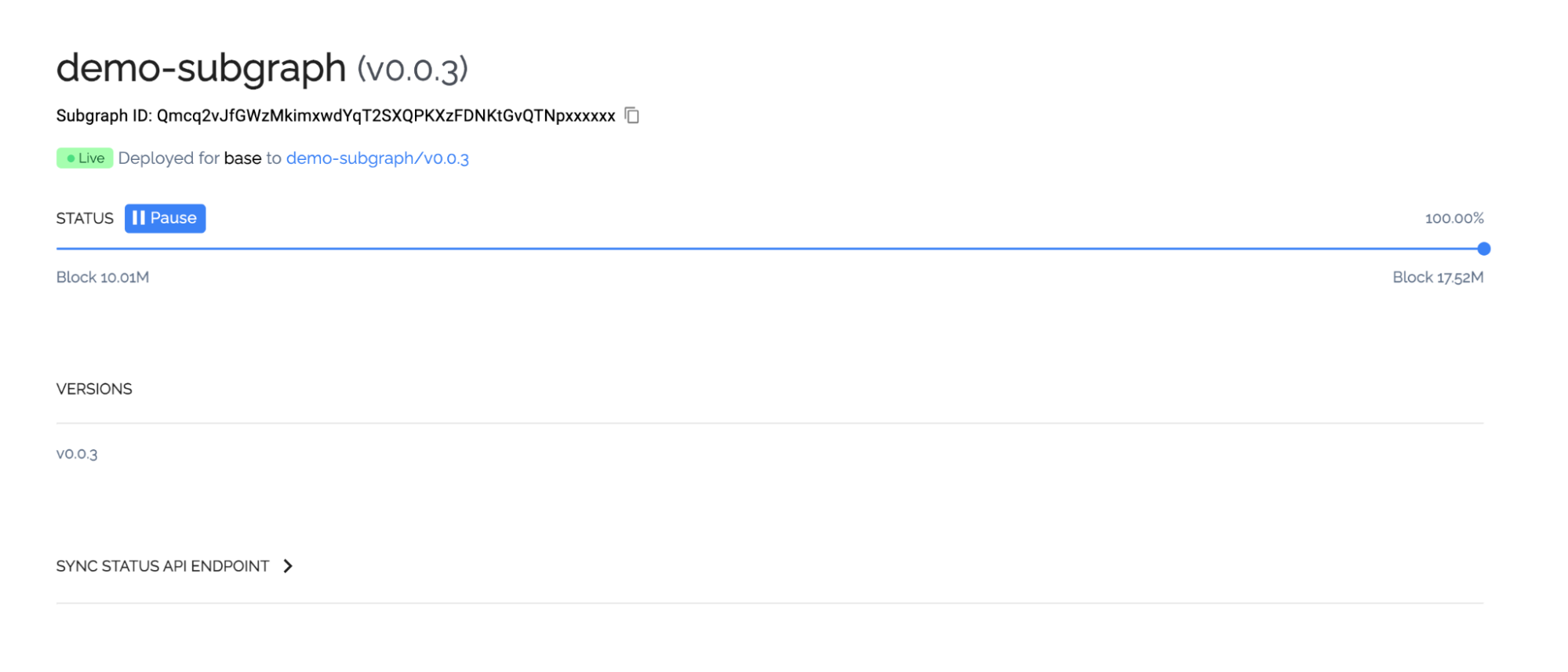
Subgraph entity details
View detailed entity metrics per subgraph.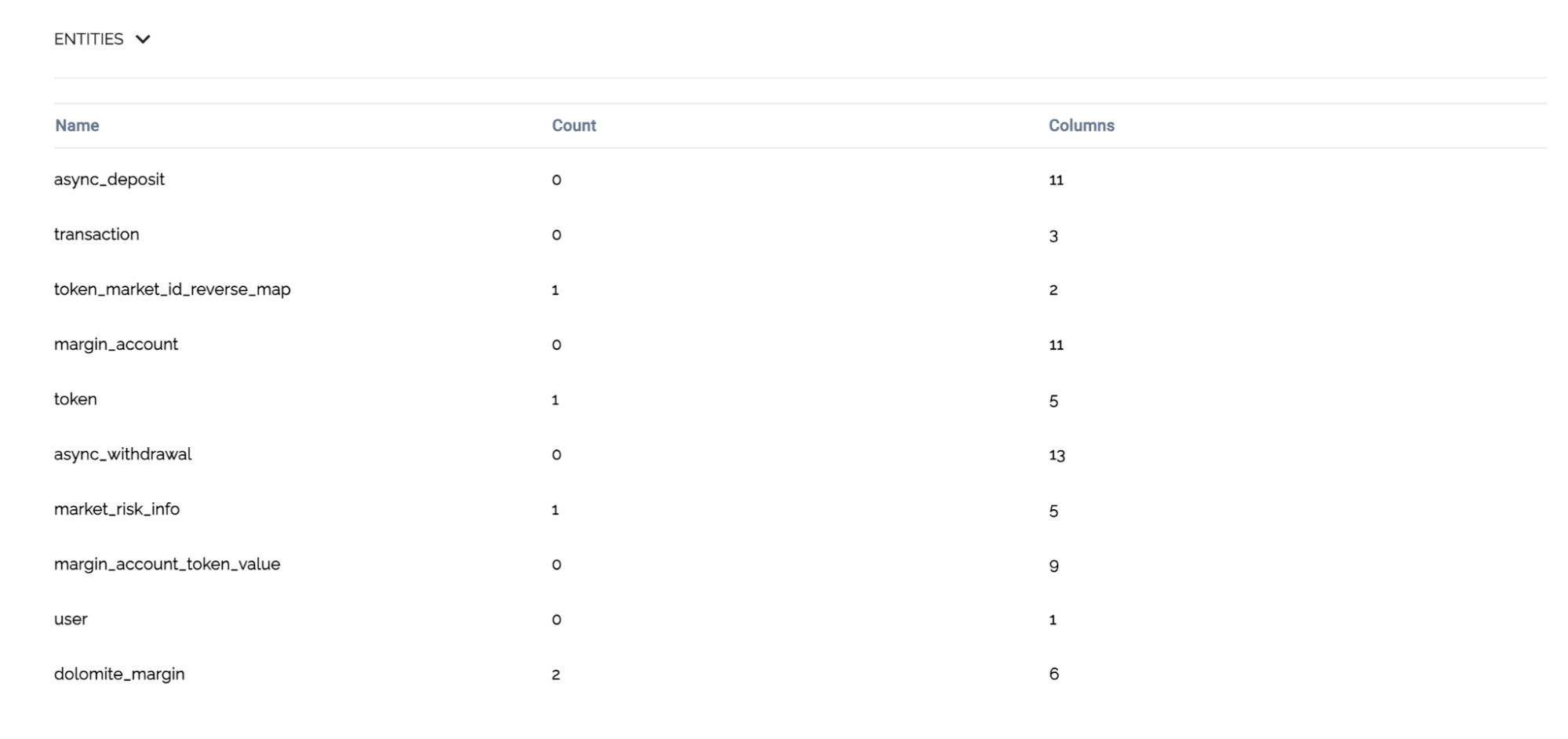
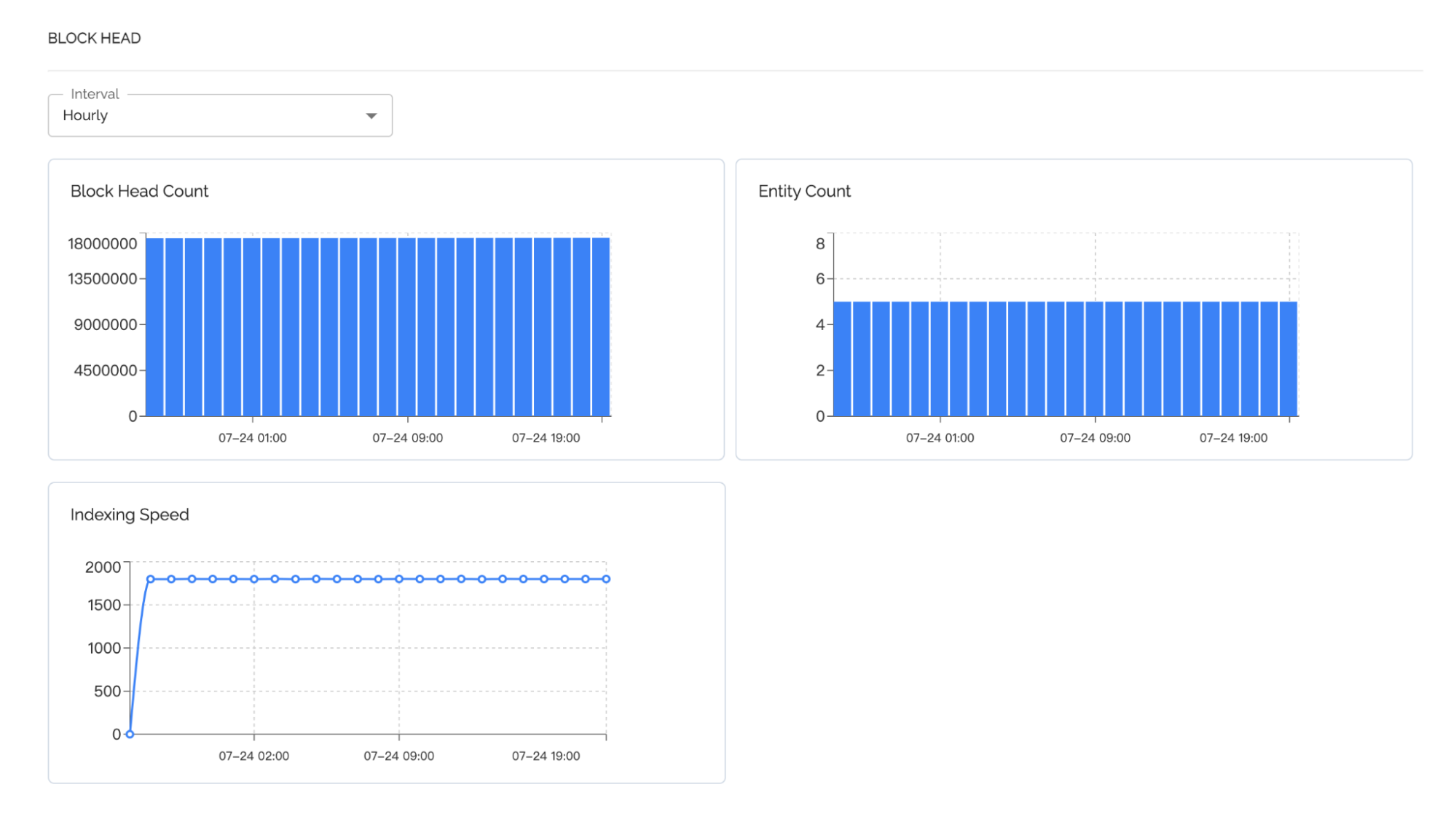
Block head and ingestion speed
Visualize block height and indexing speed.